
Data Exploration in Stata (Stata Tutorial #3)
Learn the various ways you can explore data in Stata before you begin data analysis.
Learn the various ways you can explore data in Stata before you begin data analysis.
Learn the three methods of data entry in Stata including manual data entry, importing data from other programs, and copying & pasting data.
This post provides an overview of Stata, its interface, menu, toolbar, settings, do files and log files, and how to find help in Stata.

Learn various data management functions that can be performed in KoboToolbox from configuring reports to viewing data, validating data, editing data and deleting data.
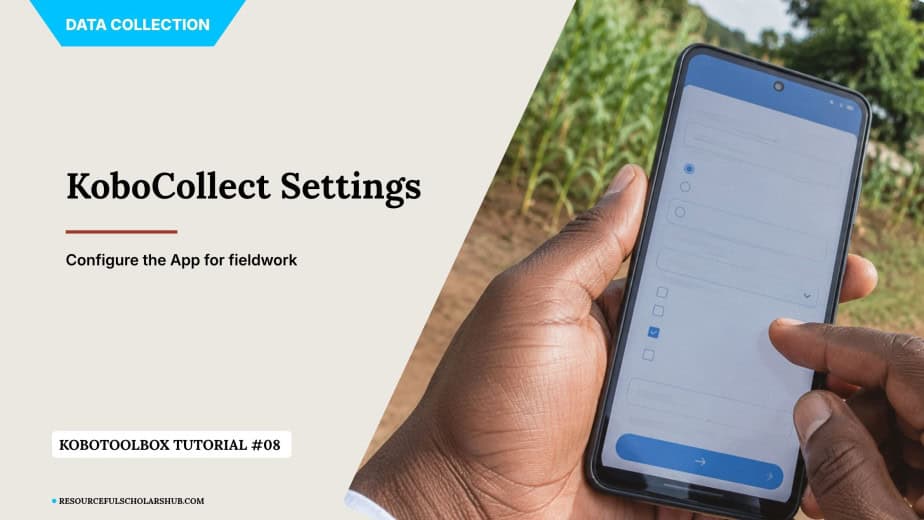
Learn how to configure Kobo Collect correctly through various settings such as server settings, project display settings, user interface settings and form management settings.

Collect survey data with KoboCollect: download forms, save drafts, finalise and submit, then view submissions and run quality checks in KoboToolbox.
Learn to deploy a KoboToolbox form, install KoboCollect on Android, connect it to the Global server and share your project with data collectors step by step.
Configure KoboToolbox form styles, multi-page layouts and metadata, then learn how to archive, delete and share projects with team members or via a public link.
Watch a step-by-step video showing how to build a data collection form in KoboToolbox, from creating a project to adding and previewing your survey questions.
A guide to all 23 KoboToolbox question types, from select one and ranking to GPS, photo and barcode fields, with examples, form tips and a practice exercise.